📌 Introduction
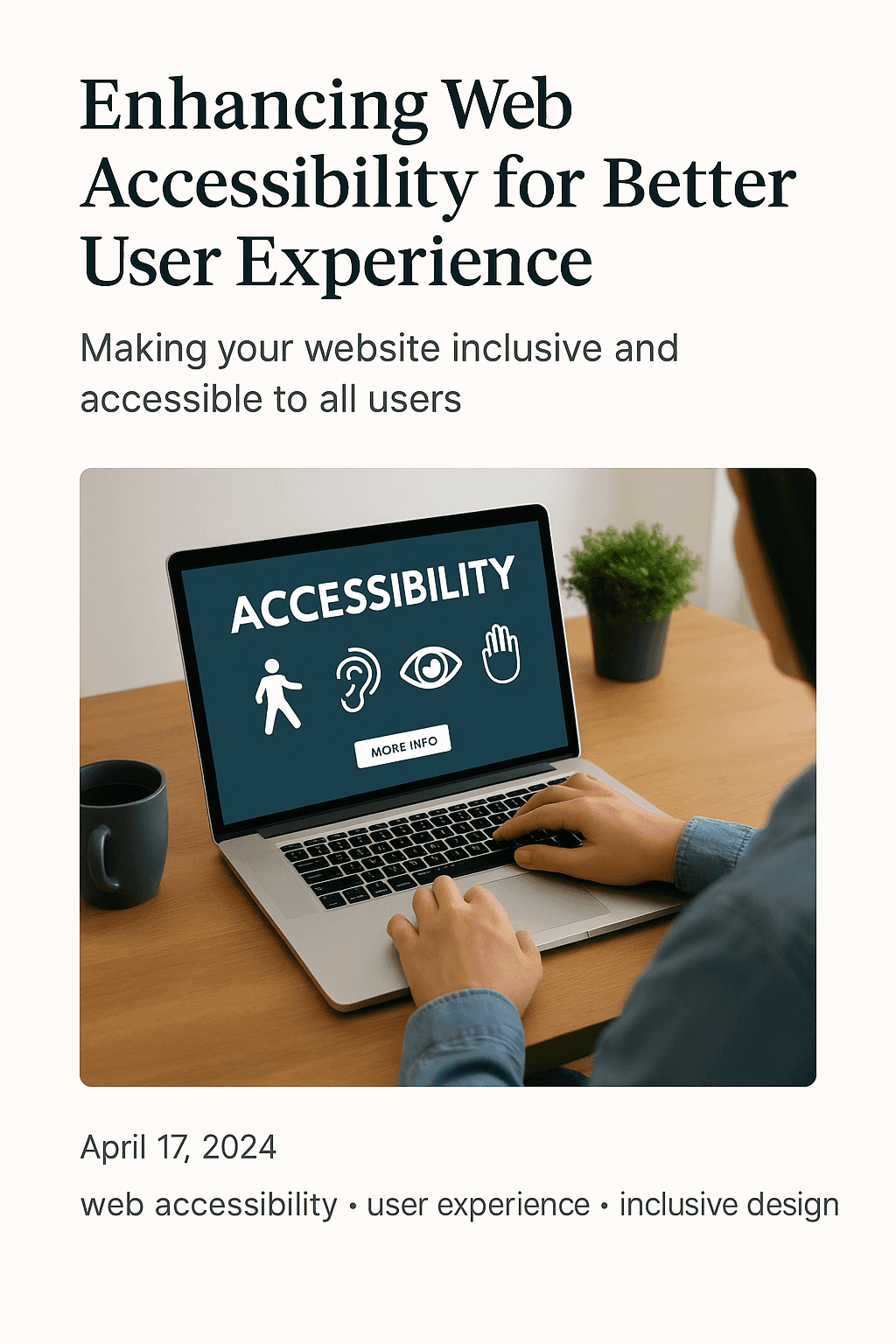
Accessibility is not a bolt-on badge. It is how high-quality custom websites include more customers — and convert more of them — through clarity and usability.
When experiences work for more people, you reduce friction for everyone: busy mobile users, older clients, and customers using assistive tools.
🚀 Inclusive Design Is Premium Design
Confusing navigation hurts sales. Unclear forms lose enquiries. Many accessibility improvements look like conversion optimisation because both remove obstacles.
- ✅ Decorative chaos: hides the next step
- ✅ Poor contrast: fails in real lighting conditions
- ✅ Unlabelled forms: block completions
- ✅ Keyboard traps: exclude part of your audience
- ✅ Media-only information: leaves some customers behind
💡 Custom Engineering Advantages
Template sites can be hard to remediate because issues are baked into theme code. Custom builds implement inclusive patterns from the start — and can extend them into mobile applications.
1. Semantic structure
Logical headings and meaningful links help people and technologies understand your pages.
2. Forms that help
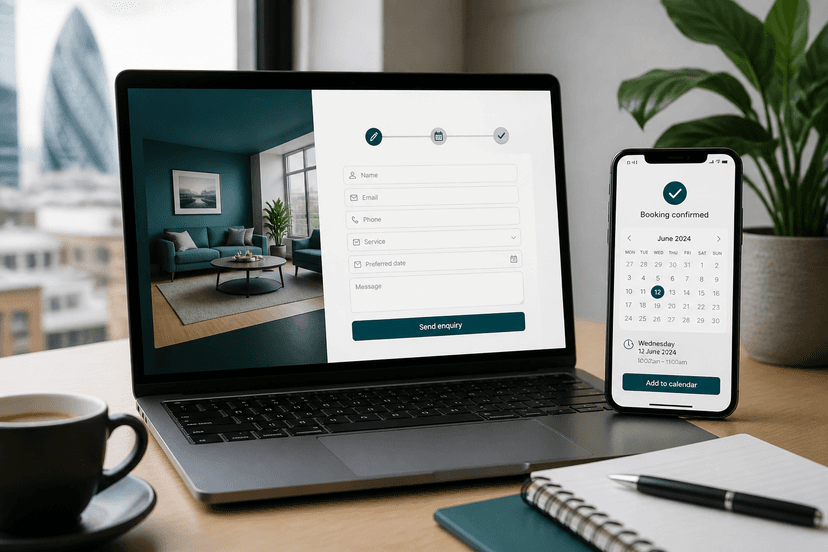
Clear labels and helpful errors turn accessibility into completed enquiries.
3. Performance supports usability
Fast pages on modest devices are an inclusion feature as well as a conversion feature.
✅ Practical Accessibility Checklist
Use this list in design QA before launch:
- ✅ Headings follow a logical order
- ✅ Buttons and links describe actions clearly
- ✅ Forms explain errors helpfully
- ✅ Media is not the only way to receive critical information
- ✅ Mobile tap targets are comfortable
📱 Accessibility Beyond the Website
If you later launch a custom mobile app, carry the same clarity principles into navigation, type sizes, and forms. Inclusive retention experiences protect lifetime value.
🛠️ Recommended Delivery Process
A clear process keeps ambitious small businesses focused on outcomes — not technical distractions. Here is a practical sequence we recommend when investing in high-performance custom systems.
- Discover goals, audience, and conversion definition of success
- Map information architecture and customer journeys
- Design and engineer a high-performance custom foundation
- QA for speed, accessibility, security, and conversion paths
- Launch with content training and a measurement plan
✅ Action Checklist
- ✅ Clarify commercial outcomes before design begins
- ✅ Prioritise lightning-fast mobile performance
- ✅ Prefer custom foundations over fragile template stacks
- ✅ Plan for e-commerce or app expansion on one database
- ✅ Measure conversion quality after launch — not vanity traffic alone
❓ Frequently Asked Questions
Will this work for a small team?
Yes. We prioritise modern secure content systems and clear journeys so small teams can operate without a full-time developer for everyday updates.
Do you use templates?
No. Karol Digital engineers 100% custom digital assets without template bloat — focused on speed, security, and conversion.
Can website, store, and app stay in sync?
Yes. With a unified database approach, updates to products, services, or bookings can appear across channels in real time.
🎯 Key Takeaways
Premium growth comes from modern, fast, high-quality digital systems engineered around real customer journeys. Template shortcuts create short-term comfort and long-term friction. Custom websites, conversion-focused e-commerce modules, and bespoke mobile applications create an ecosystem your team can run with confidence.
- ⚡ Prioritise lightning-fast performance as a conversion feature
- 🔒 Prefer rock-solid custom foundations over fragile plugin stacks
- 📈 Design every key page with one commercial job
When you evaluate partners, ask how they will protect performance as content grows, how content editors will work day to day, and how future e-commerce or mobile application layers will connect to the same source of truth. Those questions separate premium custom engineering from short-term template projects.
Also document success metrics before design begins: qualified enquiry volume, booking completion, checkout rate, or repeat purchase frequency. High-performance digital systems should be judged by commercial clarity — not by how many decorative sections appear on a page.
Finally, plan governance: who updates services, who approves proof points, and how often you review analytics. A modern platform stays valuable when your team can operate it confidently, securely, and consistently across website, store, and app experiences.
For enhancing web accessibility for better user experience, the strategic theme remains consistent: invest in custom, conversion-focused infrastructure that compounds trust. Karol Digital helps small businesses do exactly that with clear scoping, fixed quotes, and engineering standards built for long-term growth.
When you evaluate partners, ask how they will protect performance as content grows, how content editors will work day to day, and how future e-commerce or mobile application layers will connect to the same source of truth. Those questions separate premium custom engineering from short-term template projects.
- 📱 Plan for retention with apps that sync to your website and store
- 🧩 Keep one unified database so customers never see conflicting information
🚀 Ready to Move Forward with Karol Digital?
Karol Digital partners with ambitious small businesses as a high-performance technical partner — building 100% custom websites, conversion-focused e-commerce platforms, and custom mobile applications (iOS & Android) without template bloat.
If you want clarity before you invest, start with a Website Performance & Growth Audit. If you already know you need a premium system, book a consultation and we will scope an accessible, high-performance custom website with a clear fixed quote before any build starts.
👉 Next step: Explore our services and pricing pages, or contact us to request a custom project quote. Bespoke strategies. High-quality engineering outcomes.